Xpand Portal® –
customer and partner portal integrated with Microsoft Dynamics 365 Business Central
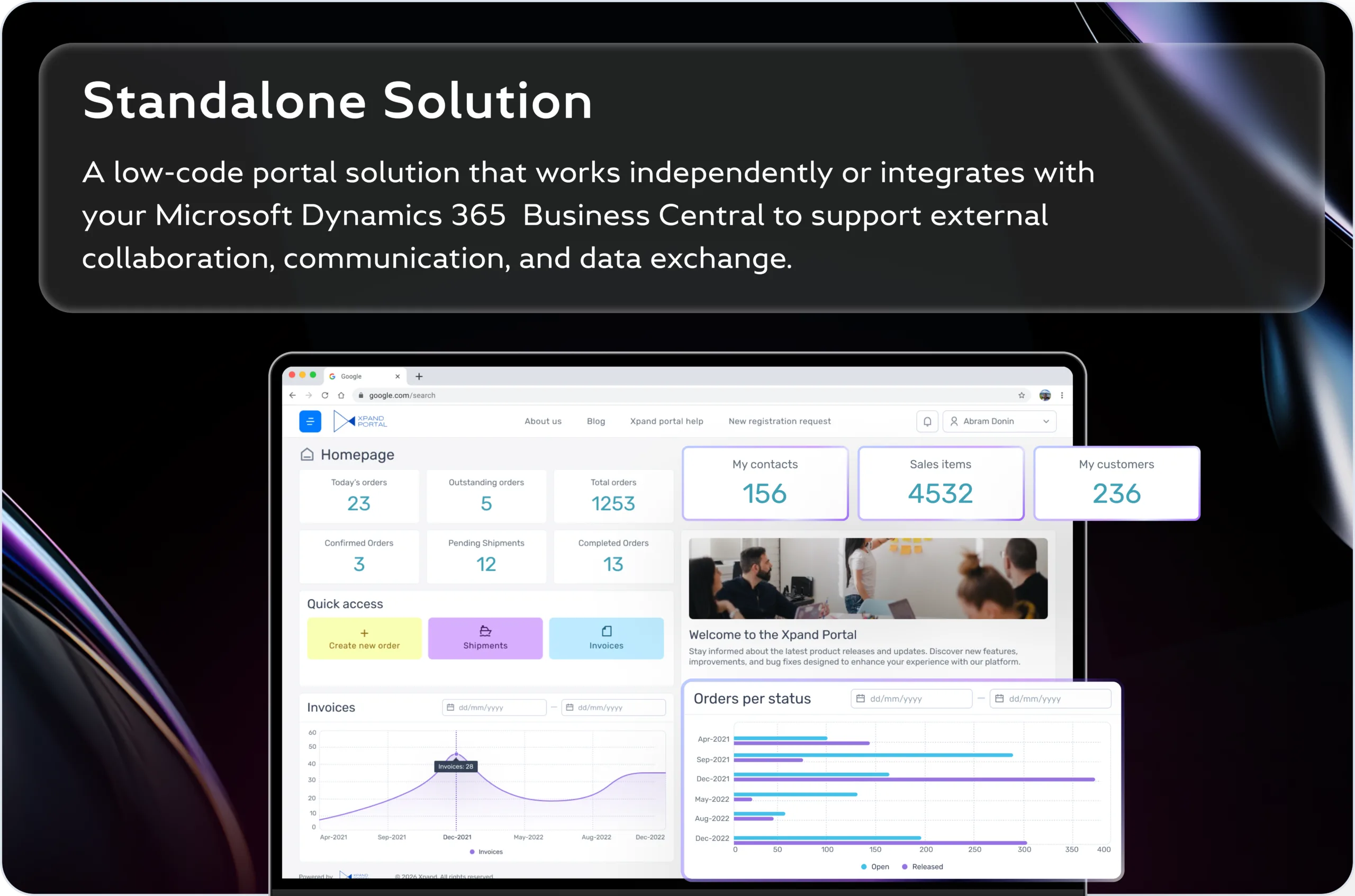
Give customers, vendors, and partners secure self-service access to ERP information, so your team stops answering status requests, resending documents, and managing critical workflows through email.
Get in touchIntegrated with


Focused on business results

Ready-to-use



About
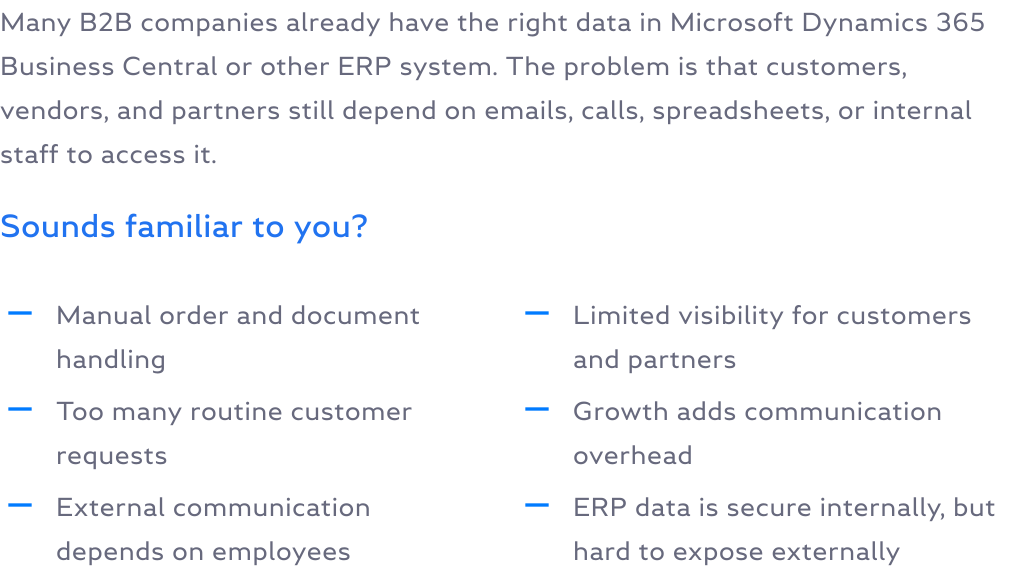
Why B2B companies need a customer portal:
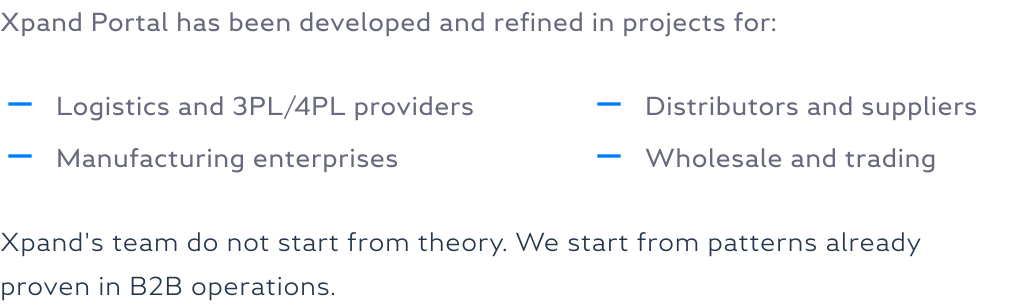
Based on real projects in businesses like yours:
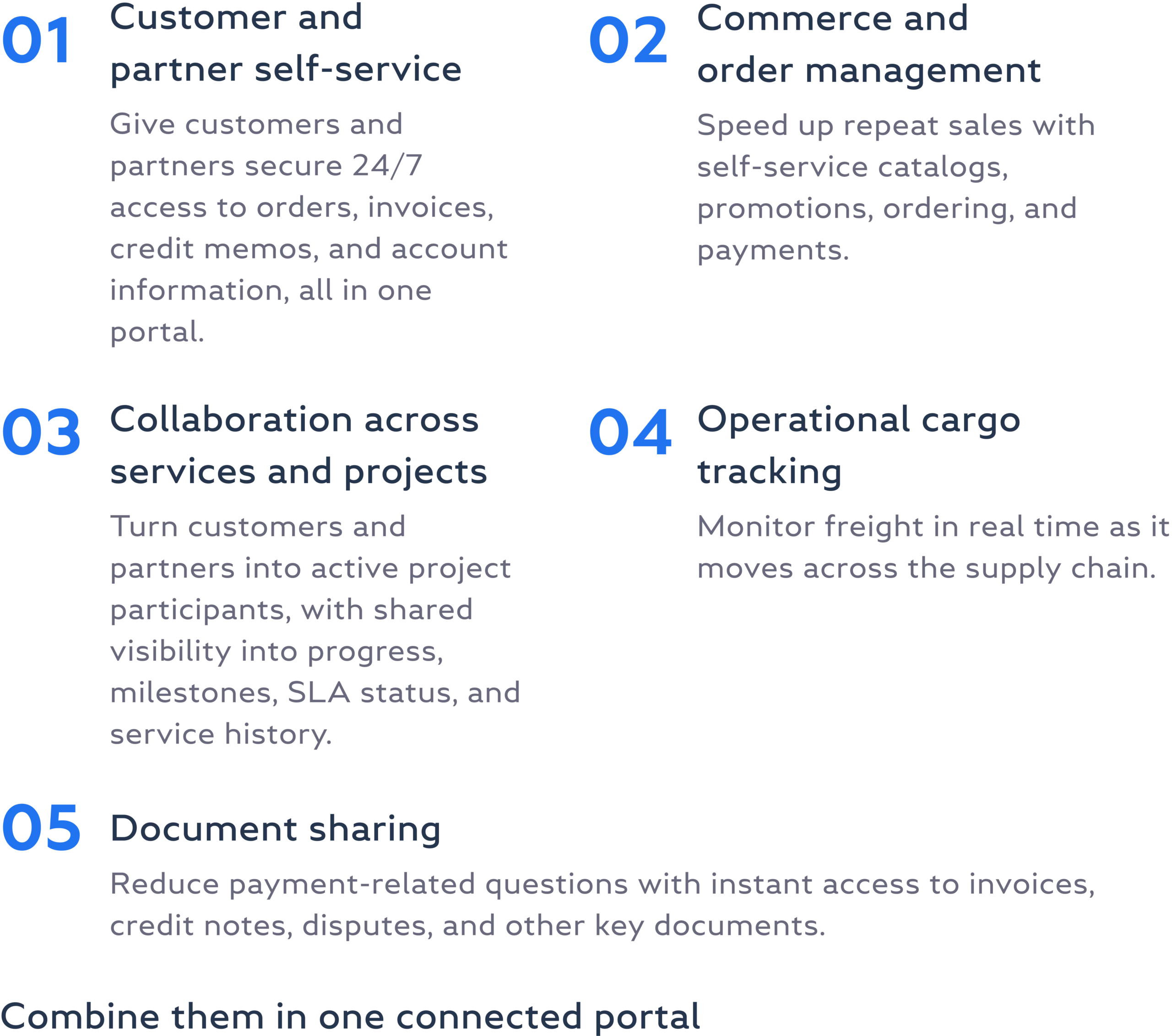
Built for various business scenarios:
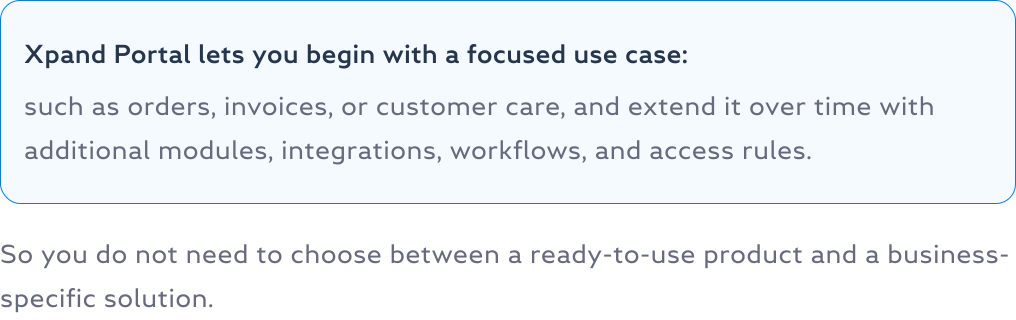
Xpand Portal in action
Discover simple guides and key insights into using Xpand Portal as customer and web portal







Product
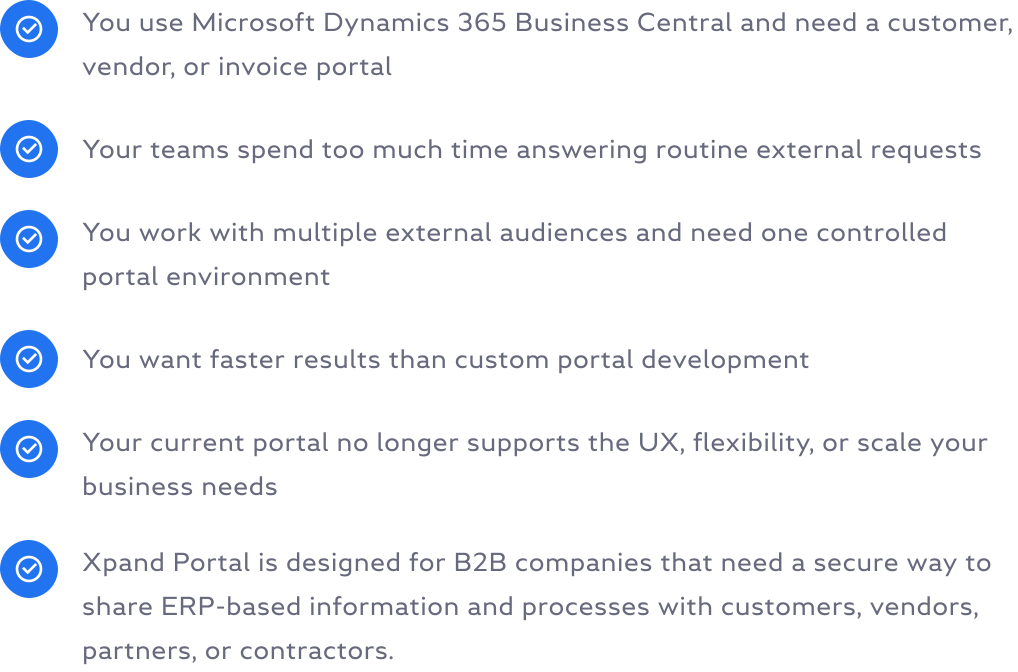
Xpand Portal is a strong fit when:
Get Xpand Portal Connector from Microsoft Marketplace
Learn more about Xpand Portal Connector
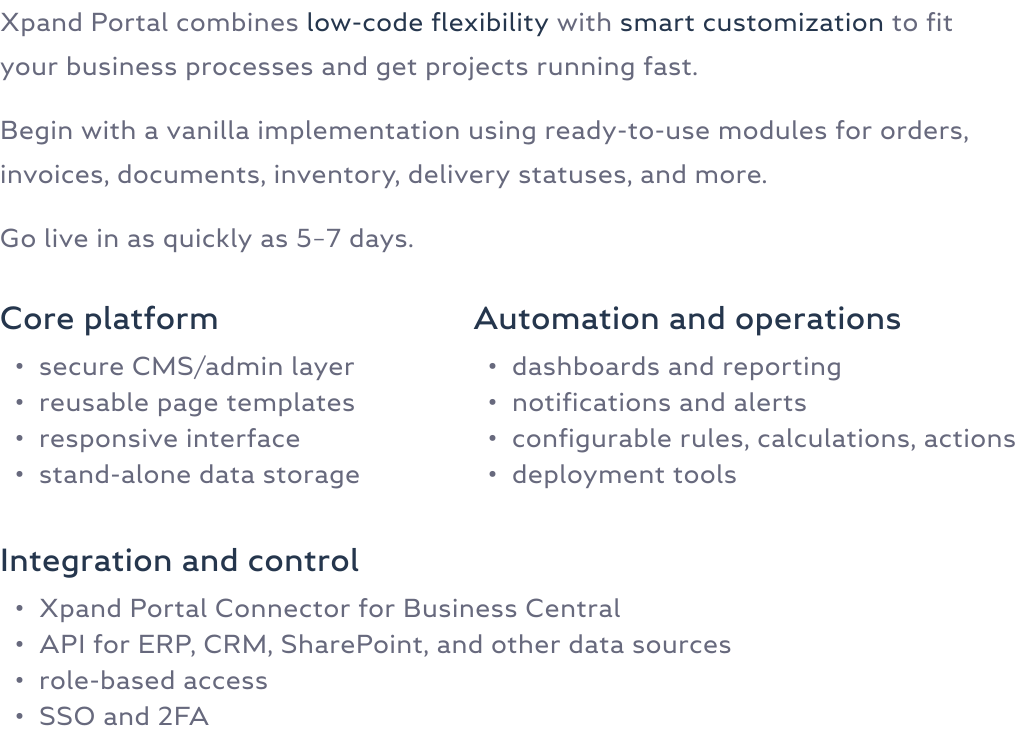
Ready-to-use modules with core Xpand Portal features
Management Module
Solution
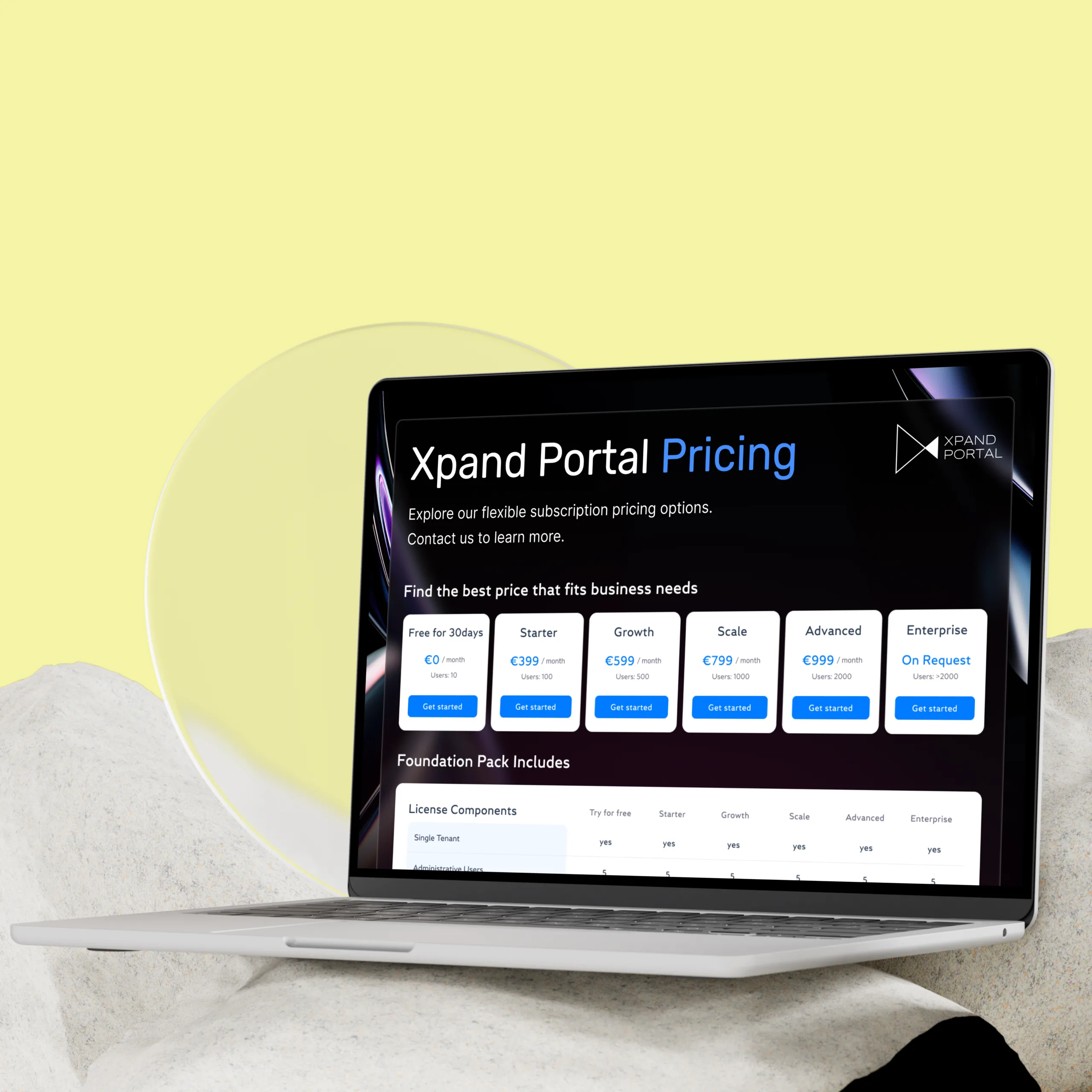
Pricing
Testimonials



For partners
We built on strong partnerships with Microsoft technology providers


Ready to become our strategic partner to accelerate the growth of your goals?
Contact usRoadmap

Case study

This case study describes an international freight forwarder that lost significant time and resources coordinating document exchange and alerts across multiple third parties involved in each shipment. By implementing Xpand Portal, the company gained a role-based dashboard with real-time shipment tracking, automated task reminders, and a financial module for invoices and payments. As a result, the client moved to a mobile-friendly, fully configurable portal that could be updated without developer involvement.
Seamless transportation tracking

This case study describes a European fresh produce importer that struggled with logistics visibility scattered across multiple systems, forcing teams to manually export data and prepare custom Excel reports for each customer. By implementing Xpand Portal, the company replaced this with real-time, role-based self-service access to commercial stock, physical stock, and delivery data. As a result, customer questions and reporting workload for operations teams dropped significantly.
Real-time stock & delivery visibility

The logistics terminal reduced truck congestion and unnecessary downtime during peak hours by implementing Xpand Portal. This allowed for optimized truck processing, real-time alerts on available time slots, and easy access to cargo information for both terminal employees and transport company representatives. The result was a stress-free unloading process and reduced employee burden.
Gate Capacity Planner

Partner's logistics clients faced challenges managing transportation processes, receiving information through email inboxes. Xpand Portal extracts and converts emails to structured data, creating transportation orders or updating existing orders. Users can track orders, receive email notifications, and automate record creation in the ERP system, streamlining the transportation process.
Transforming Manual Logistics Processes with AI

The company needed to provide its clients with easy access to information regarding their make-to-order projects, including progress updates and documentation, without the need for a dedicated employee to communicate this information. To solve this problem, they implemented Xpand Portal, which integrates with Microsoft Dynamics Business Central to provide clients with predefined access to operational planning. The portal synchronizes with Business Central, eliminating the need for manual updates, and providing secure permissions for clients to access project-specific information and documentation.
Project Status Reporting

This case study describes a company that faced challenges with handling customer support requests in a laborious and time-consuming process. By implementing a Help Desk Platform, application and support consultants could update the status of tickets immediately, eliminating the need for additional communication via email. The solution also eliminated the need to maintain Excel spreadsheets, saving valuable time on unnecessary messages. The Xpand Portal-based Help Desk Platform provided necessary features to enable seamless communication with external individuals while maintaining a standardized and efficient workflow.
Help Desk Platform
FAQ
Frequently asked questions
Get answers to questions that will help you understand the specifics of Xpand Portal as a product and Xpand workflow.
1. Who hosts the portal?
Currently, Xpand Portal is available as an on-premise solution, typically hosted on the server of the customer.
2. How does Xpand Portal connect to Business Central?
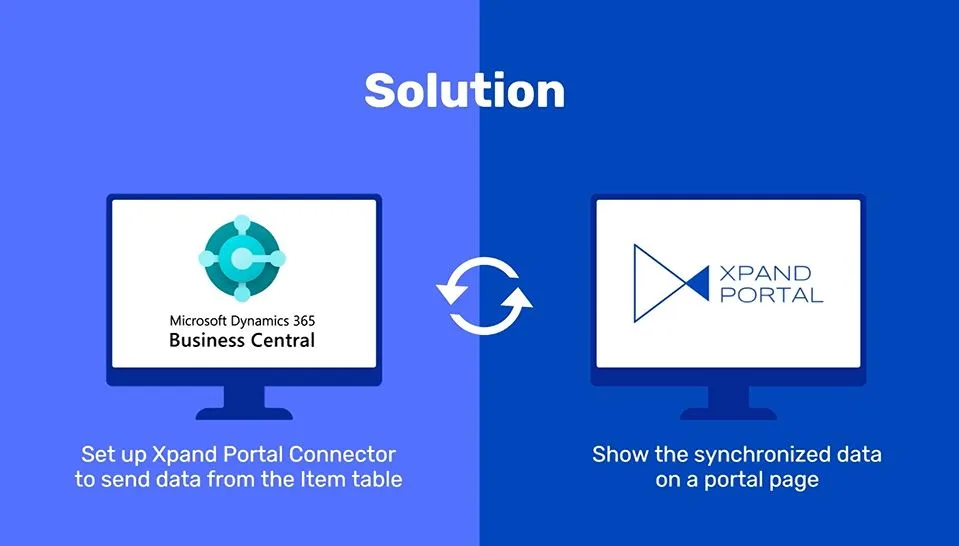
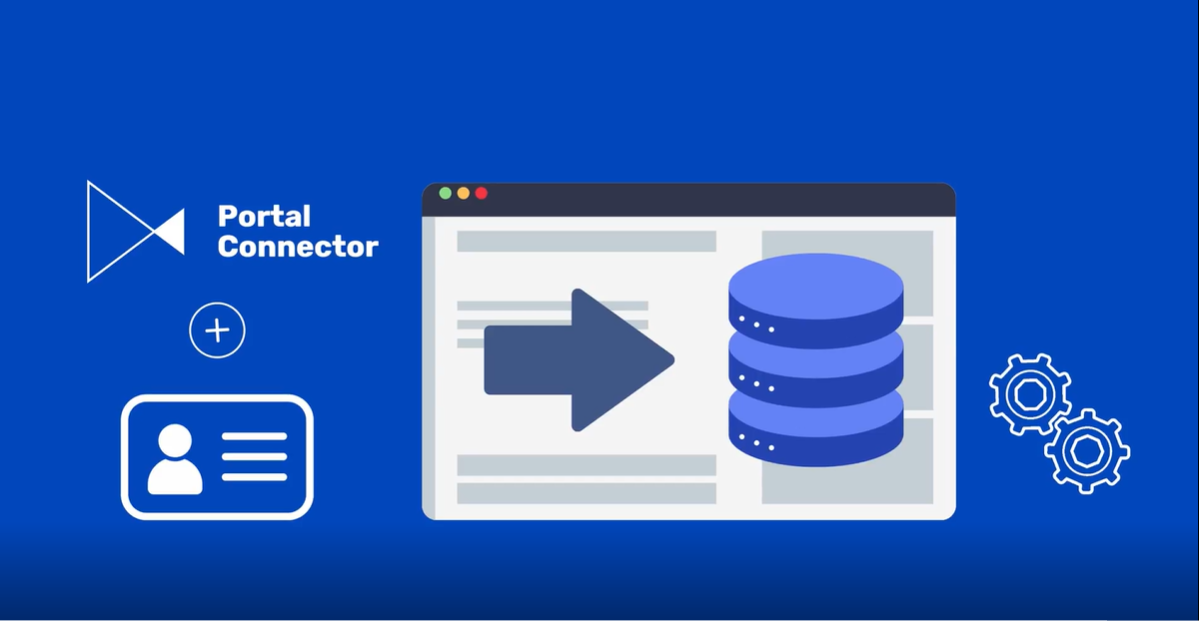
Xpand Portal connects seamlessly to Microsoft Dynamics 365 Business Central through the Xpand Portal Connector, available on Microsoft AppSource. The connector synchronizes any standard or custom tables and fields from Business Central to the portal, supports multi-company scenarios, and enriches records with linked data when needed. No third-party middleware or custom development is required: the integration works out of the box. The connector automatically manages all data synchronization between Business Central and the portal, keeping orders, invoices, and documents updated in real time. For your business, this means: faster go-live with ready-to-use integration; lower implementation costs by avoiding custom builds; reliable, certified connectivity that is maintained and updated with every new Business Central release.
3. What Business Central licensing is required to run the portal effectively?
You need 1 Microsoft Dynamics 355 Business Central full-user license, which will be used for synchronization of Business Central and Xpand Portal. This user should have permission to read and write in all tables in Business Central that will be directly or indirectly affected by synchronization with Xpand Portal. Xpand Portal is using its data storage, which is used for data input, query, or viewing data on Xpand Portal.
4. Is Xpand planning to make the portal a SaaS application?
Xpand is working on introduction of near-SaaS experience for its clients via public cloud environment, providing subscription-based approach without portal hosting concerns. You retain control over dedicated resources and portal customization options, while leveraging the full advantages of Microsoft Azure for seamless deployment experience provided by our services.
5. Can I install the solution and partially configure it on my own, and only then engage Xpand for any customization/consultation?
You are welcome to perform installation and configuration on your own (using our help resources as a guide) and involve us for any troubleshooting, consultations, portal configuration, or development services. You will be able to use all pages in the demo package as your starting point or reference.
6. What is the expected timeframe for receiving the installation files after purchasing the license?
We will send you an installation package with an activated license on the same day or the day after we receive payment for the plan.
7. What is included in the portal price? Will we get a fully “functional” solution?
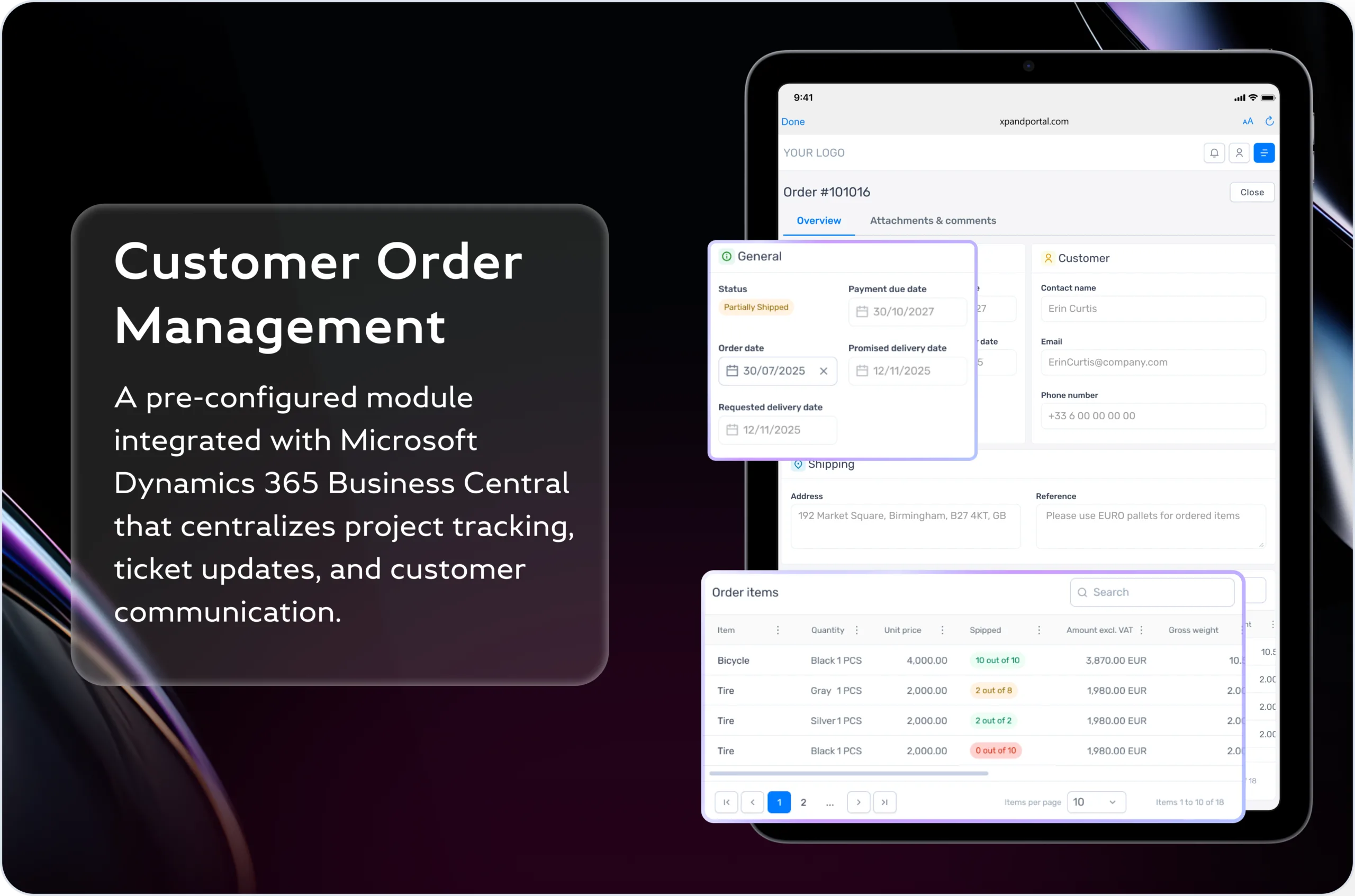
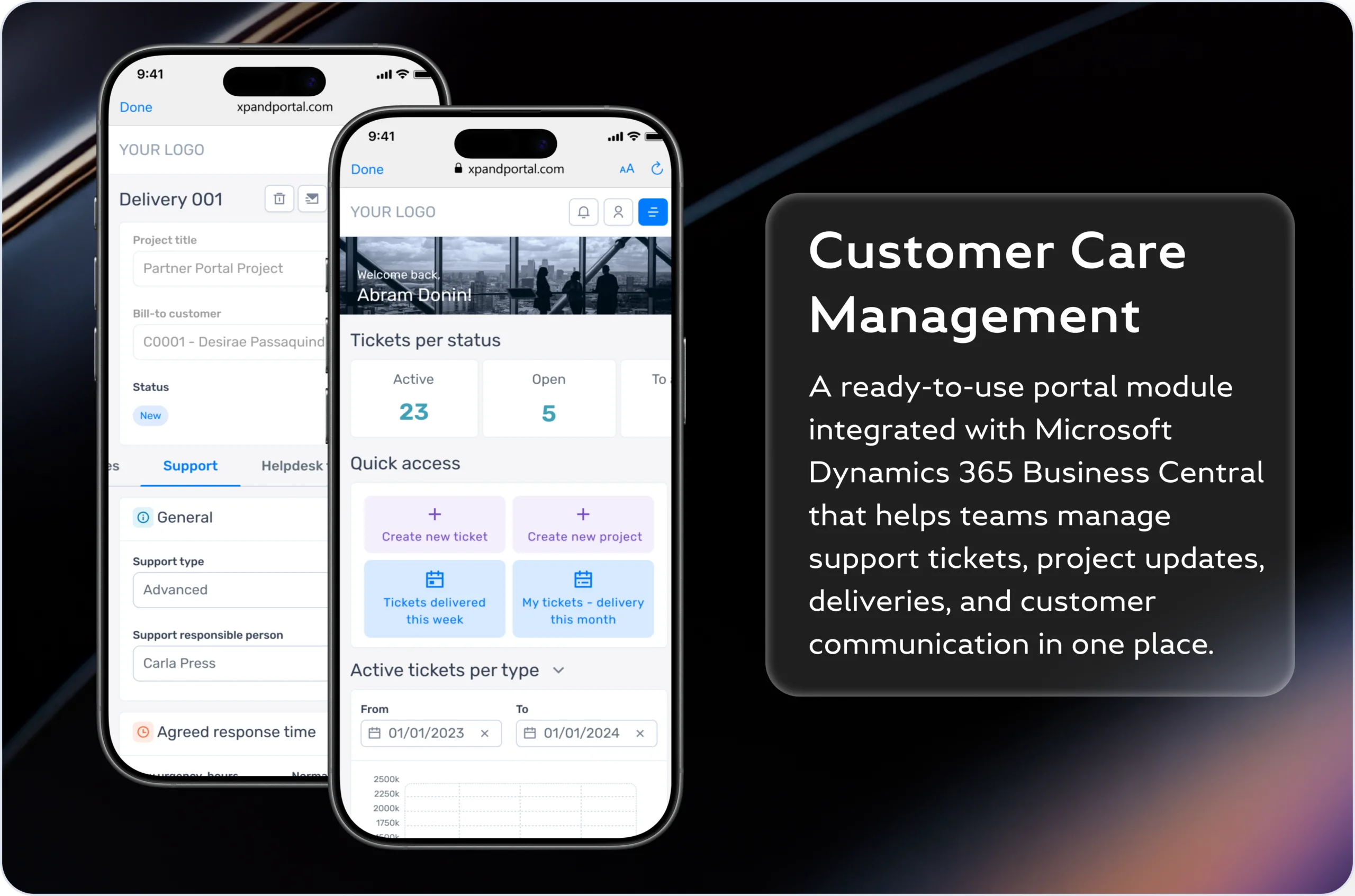
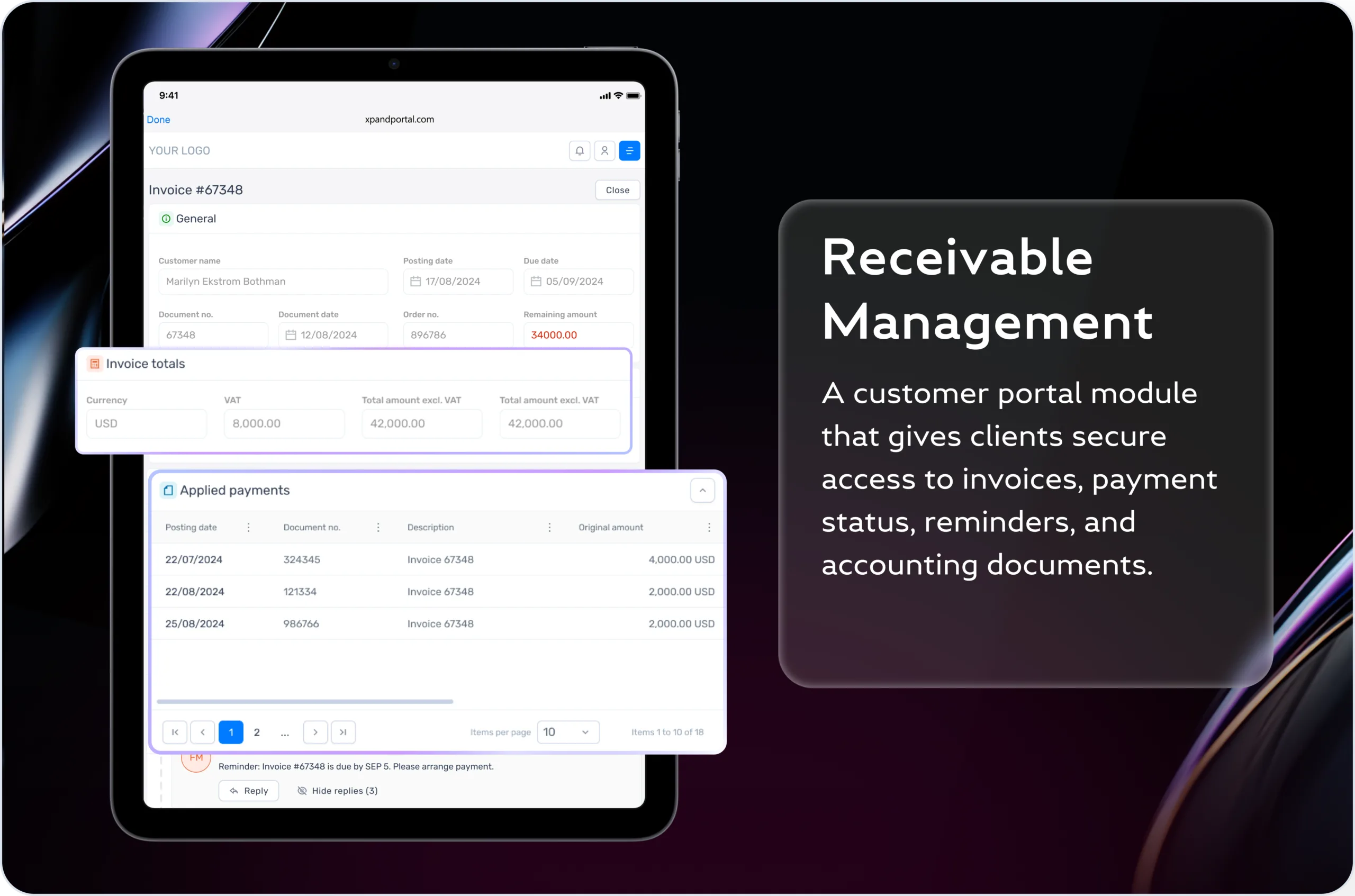
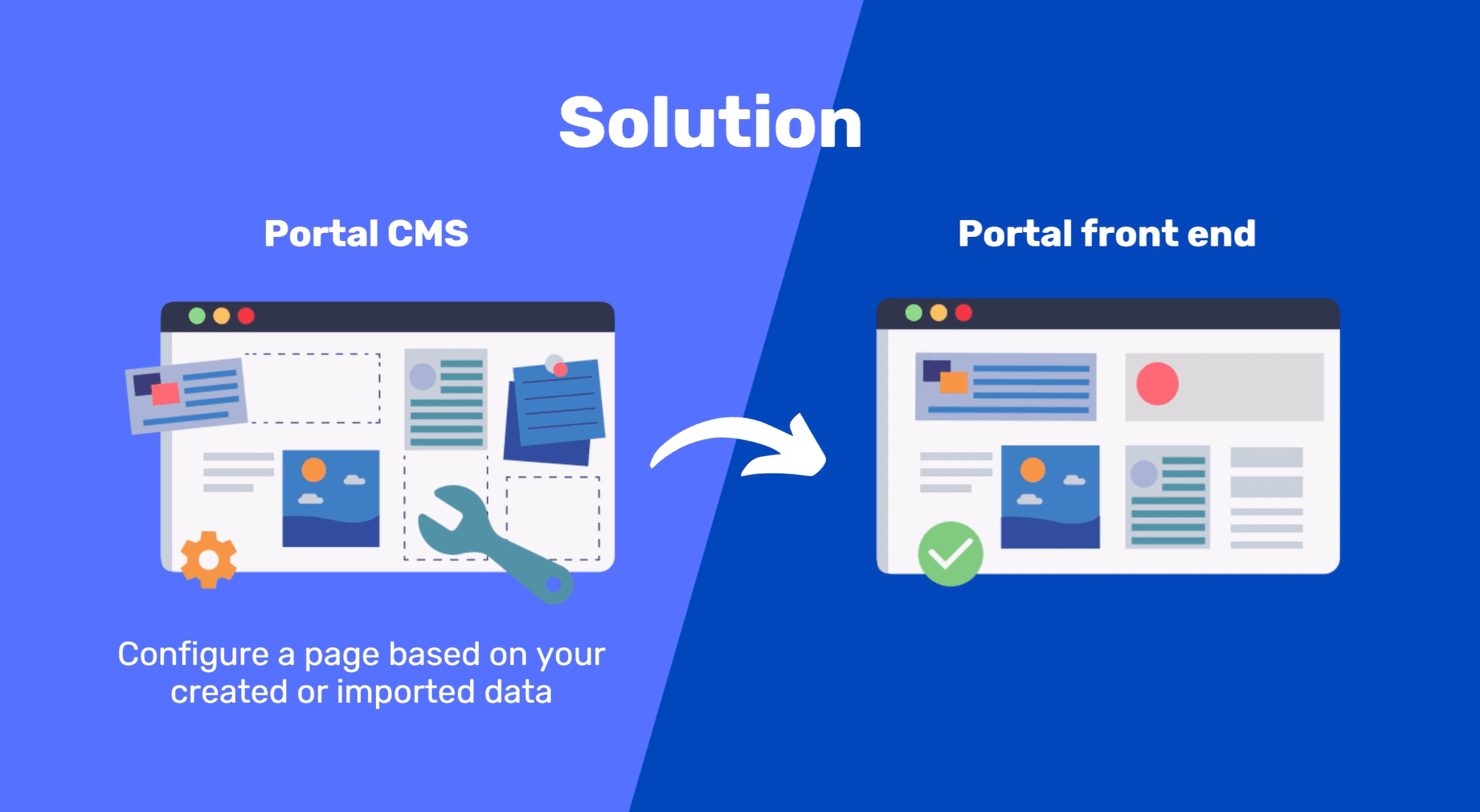
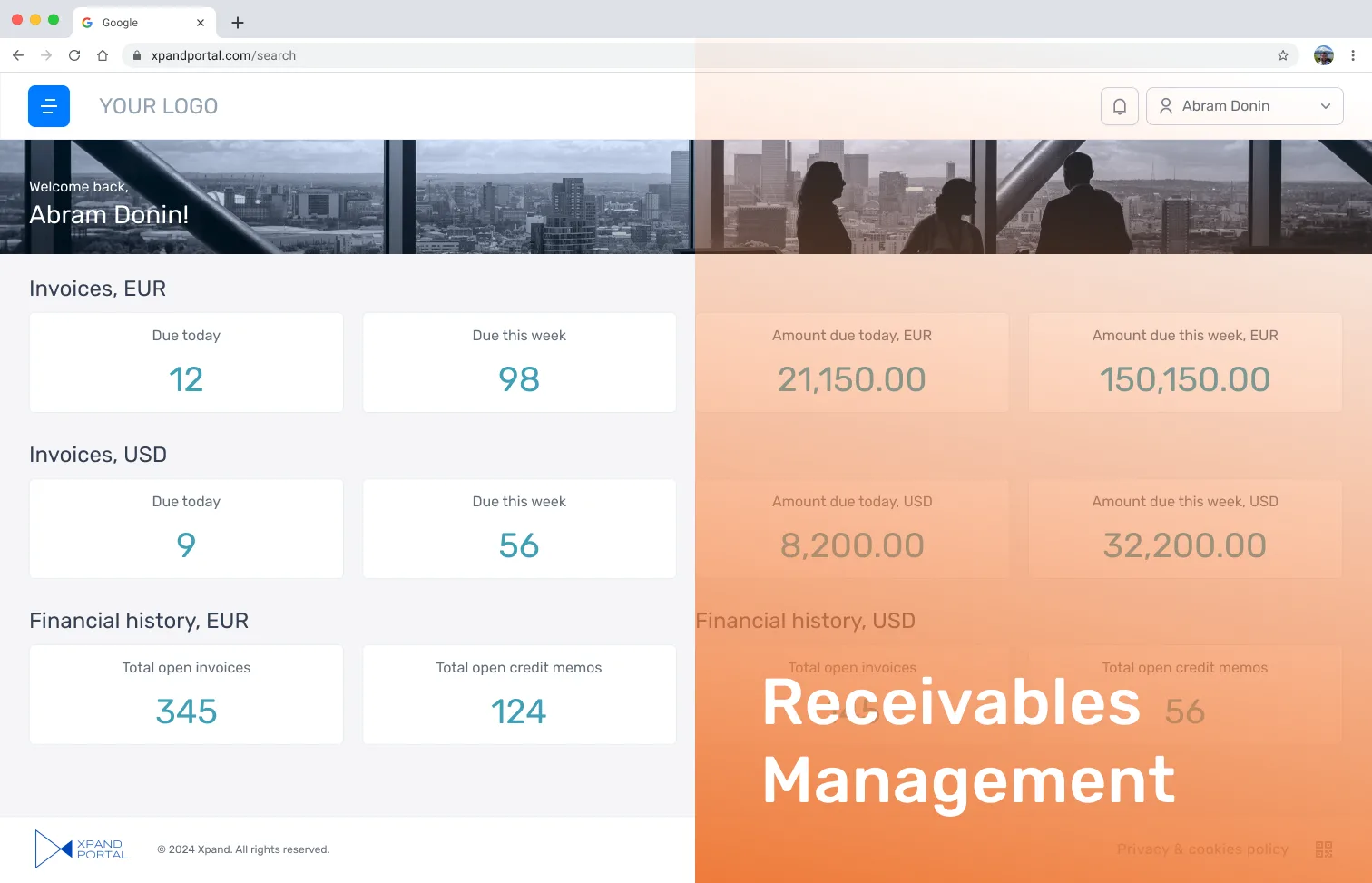
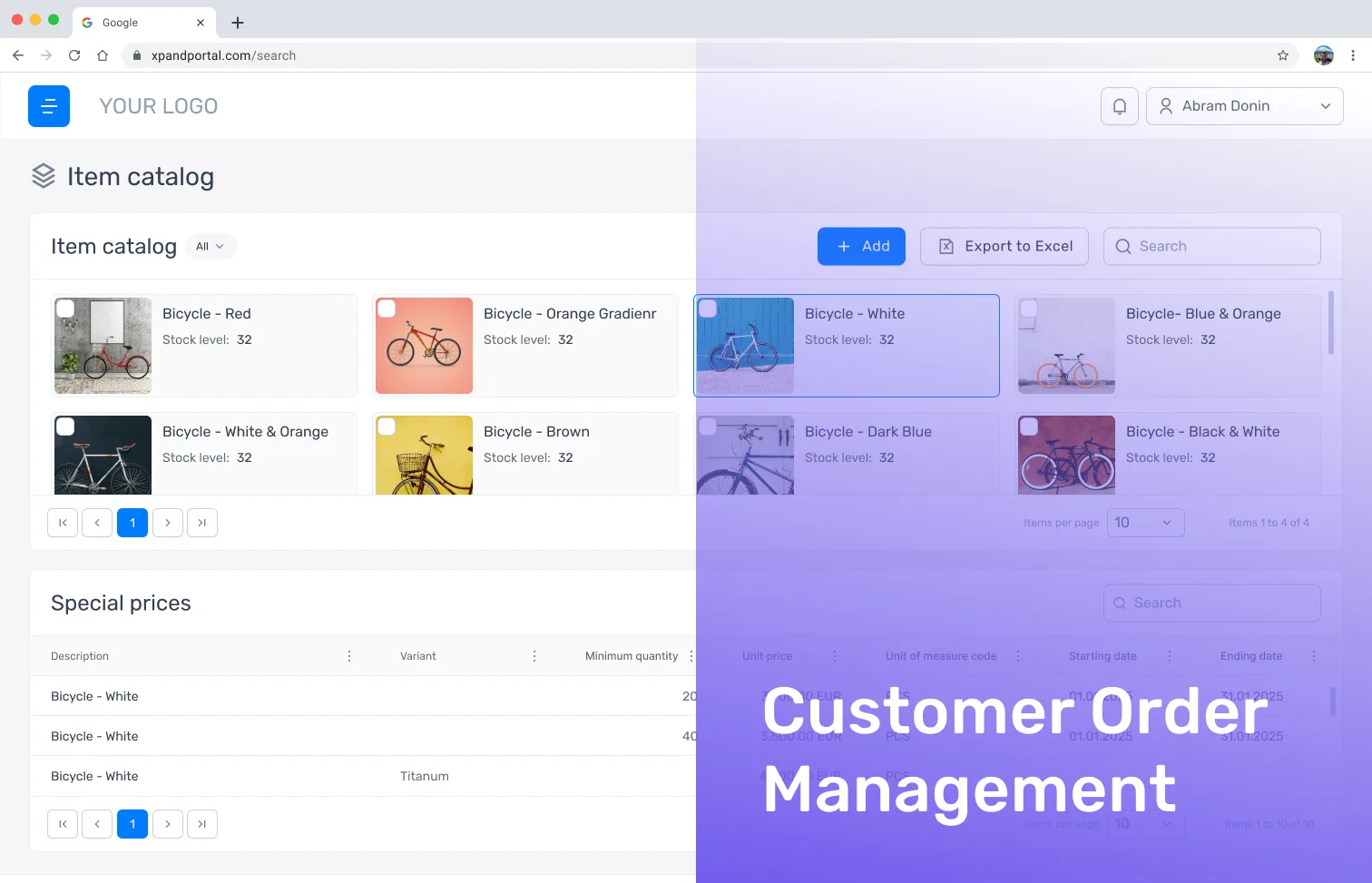
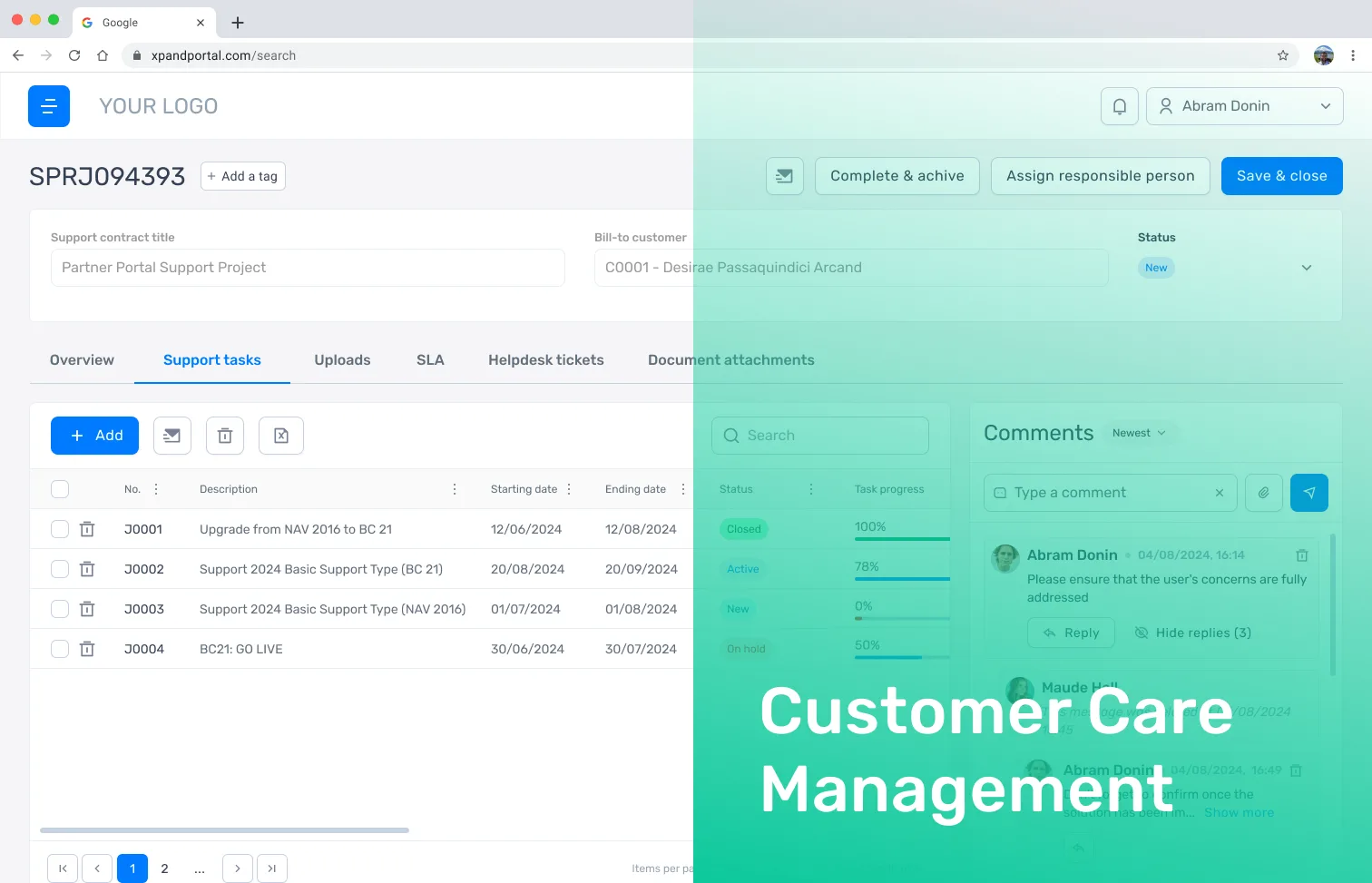
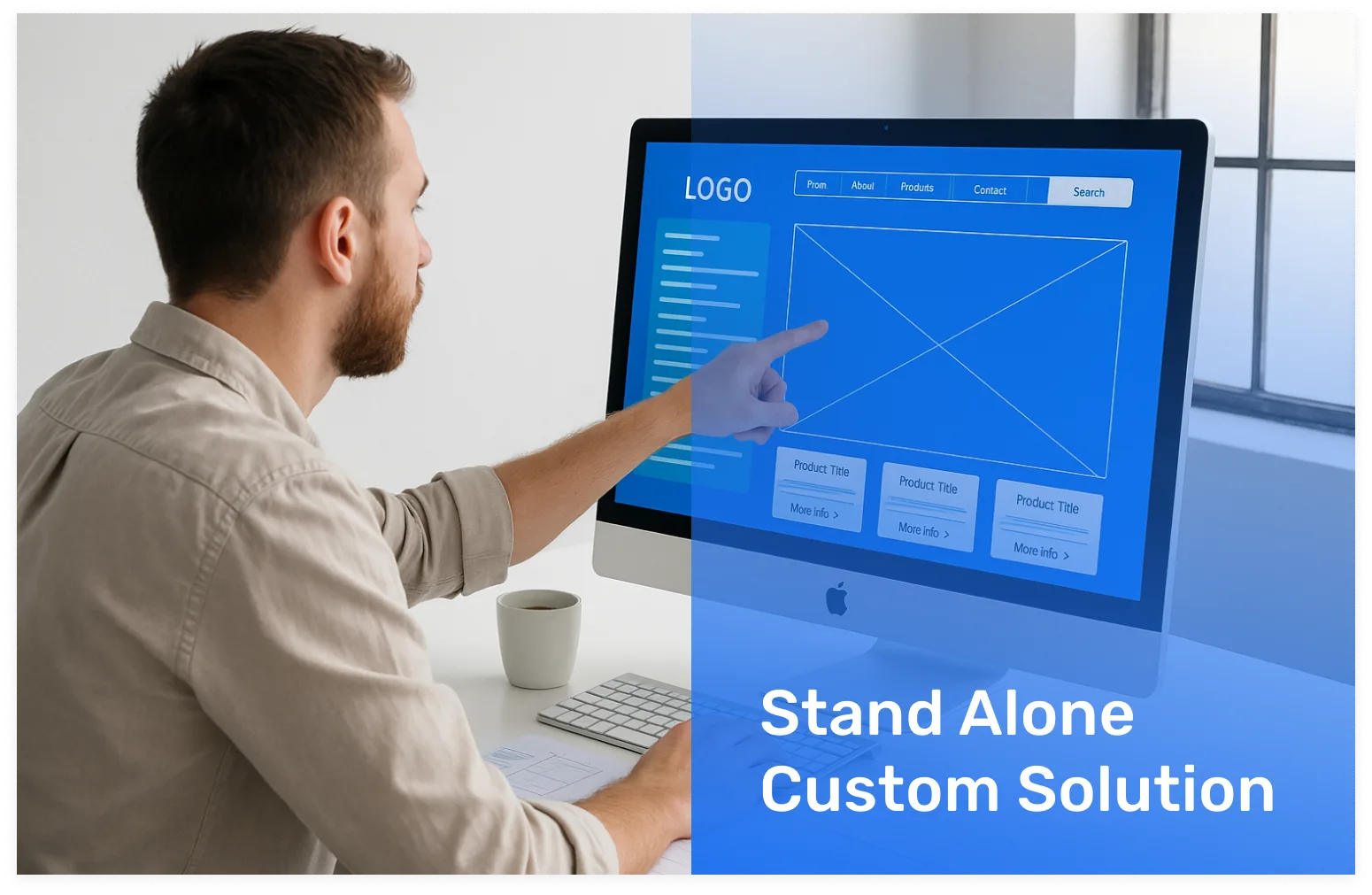
Xpand Portal is a configurational solution, that contains a set of features, and page templates that let you set up portal contents and layout according to your needs. Thus, after having the portal installed, there will be some configuration that needs to be done to make the solution fully functional per se. In addition, Xpand Portal offers three ready-to-use, fully functional modules: Receivables Management, Customer Order Management, and Customer Care Management. These are fast-to-deploy business layers built on top of Xpand Portal. Please note that these modules require additional licenses. The license price includes: Xpand Portal with a set of features according to the selected plan, Xpand Portal Connector for Microsoft Dynamics 365 Business Central. Both Xpand Portal and Xpand Portal Connector include a set of demo configuration pages.
8. Why is the warranty period only 1 month?
Every feature we deliver undergoes multiple levels of testing before go-live. The 1-month warranty period starts only after the delivery demo has been completed and the solution accepted by the customer – so the clock begins when you are satisfied, not when we finish. During that month, our support team is on standby to fix any bugs found during user acceptance testing (UAT) at no extra cost. Based on our experience, the probability of discovering further issues after 1 month is very low. After the warranty period, ongoing support remains available through our support department on a paid basis.
9. What does onboarding look like after purchase?
After purchasing, Xpand Portal Team sends you the installation pack with an activated license the same day or the next day after payment. You can then proceed with installation using online help resources, and optionally schedule meetings with Xpand Portal Team to gather requirements, prepare a preliminary budget, and define a project timeline. Certified consultants are recommended for configuration and customization.
10. Does the portal have security protocols?
Yes. Xpand Portal includes a variety of security protocols to keep your B2B client portal safe: multi-factor authentication (MFA), role-based access controls, encrypted data transfer over HTTPS, OAuth 2.0 and SMTP authentication, audit logs, and user activity tracking. Each user only sees data linked to their own account. The portal is built with up-to-date components and built-in GDPR compliance, while also supporting role-based access and secure synchronization with Business Central, making it a secure customer portal for businesses.
11. Which industries does Xpand Portal serve?
Xpand Portal is built for B2B companies running Microsoft Dynamics 365 Business Central or other ERP system. Our customers include logistics and freight forwarding companies, wholesale distributors, manufacturing, warehousing providers, telecommunications, and IT. Each industry uses the portal differently – logistics companies gain real-time shipment tracking and order visibility, distributors enable B2B self-service ordering and invoice access, and manufacturers give clients live updates on project status. The portal adapts to your processes, not the other way around.
12. Can we start with just one module and add more later?
Yes, you can start with a single ready-to-use module that meets your current business needs. Additional modules can be implemented later by our team to support new processes, teams, or customer groups as your portal usage expands.
ACCESS FREE DEMO
Try Xpand Portal today
See how Xpand Portal can transform your daily operations without risk.
For 30 days, you can test two full modules that show how orders, invoices, projects, or services run in a single secure space. Experience the interface, design, and logic built on real business needs.Get in contact – our team will reply shortly
We appreciate your interest. Our team will be in touch soon.
Get in contact – our team will reply shortly
We appreciate your interest. Our team will be in touch soon.

Get in contact – our team will reply shortly.
We appreciate your interest. Our team will be in touch soon.